BRIM Convergent Mediation (SAP CM)

BRIM CM Course Details

SAP BRIM Convergent Mediation (SAP CM) Training

SAP BRIM Convergent Mediation (SAP CM) Training at GreenByte Technologies is designed for professionals who want to build practical knowledge of usage-data processing, mediation workflows, integration, and data transformation within the SAP BRIM ecosystem. The training is conducted by Mr. Ram, a SAP professional with 20+ years of industry experience, and focuses on both fundamental concepts and practical SAP Convergent Mediation scenarios.

SAP Convergent Mediation plays an important role in environments where large volumes of usage and event data need to be collected from different source systems, processed according to business requirements, validated, enriched, aggregated, and forwarded to downstream systems. It can be particularly relevant to industries such as telecommunications, utilities, subscription-based services, digital services, and other usage-driven business models.

Introduction to SAP BRIM and Convergent Mediation

The course begins with an introduction to SAP BRIM and the purpose of SAP Convergent Mediation. Participants learn how mediation fits into an overall usage-to-billing or usage-to-charging process and understand the importance of collecting and processing usage information before it reaches downstream applications.

The training introduces the SAP CM architecture, major components, workflow concepts, and data-processing flow. Learners can develop a structured understanding of how source data is received, processed, transformed, and forwarded to target systems.

SAP Convergent Mediation Mediation Zone

A major part of the course is dedicated to the Mediation Zone. Participants learn about the Mediation Zone environment, configuration functionality, and inspection tools.

The training explains how developers and technical professionals can work with the environment to create, configure, inspect, test, and troubleshoot mediation workflows. Practical examples are used to make the concepts easier to understand.

Workflow Types and Agents

Workflow development is an important part of SAP Convergent Mediation. Participants receive a detailed explanation of workflow types and the different agents involved in processing data.

The course covers:

  • Collection Agent
  • Processing Agent
  • Forwarding Agent

Learners understand how information moves through the different stages of a workflow. A sample batch workflow is created during the training, with a detailed explanation of each phase.

This practical approach helps participants understand how workflows can be designed to collect input, perform processing and transformation, and forward the resulting information to the required destination.

UFDL and File Decoding

The training provides detailed coverage of UFDL (Ultra Definitions Language) and the decoding process. Participants learn how input files can be interpreted and processed within SAP CM.

Practical exercises include decoding files with different separators and structures. Advanced UFDL exercises provide additional exposure to file-processing scenarios and help learners understand how different input formats can be handled.

APL Programming

Another key component of SAP CM training is APL (Analysis Programming Language). Participants are introduced to APL fundamentals and learn how programming logic can be used during mediation processing.

The course includes practical examples of important APL functions, including:

  • String functions
  • Date functions
  • UDR functions
  • Type-conversion functions

These examples help participants understand how data can be analyzed, transformed, and processed according to defined requirements.

Workflow Debugging and Troubleshooting

Debugging is an essential skill for SAP CM developers and support professionals. The course includes dedicated sessions on workflow debugging.

Participants learn how to debug workflows through files and events and understand techniques for identifying processing issues. The practical troubleshooting approach helps learners understand how to investigate workflow behavior and resolve common development and processing problems.

MIM and SAP CM Data Structures

The course covers the Meta Information Model (MIM) and the encoding process. Participants learn the concepts behind MIM and how information is represented within the mediation environment.

The training also explains data structures in SAP CM, helping learners understand events, UDRs, and related information used during workflow processing.

Duplicate Detection and Database Connectivity

Data quality and reliable processing are important when dealing with high volumes of usage information. The training therefore covers duplicate detection in SAP CM, including batch and UDR-related scenarios.

Participants also learn about database connectivity, including:

  • DB Agents
  • SQL Agents
  • Database Functions

Practical scenarios demonstrate how database-related operations can be incorporated into SAP CM workflows.

Auditing, Archiving and Error Correction System

The course introduces auditing in SAP CM, helping learners understand how processing activities can be monitored and tracked.

Participants also learn about archiving in SAP CM and the concepts involved in managing processed information.

A dedicated section covers the Error Correction System (ECS). Learners gain an understanding of error handling, correction processes, and how errors can be managed within mediation workflows.

Event Aggregation and Real-Time Workflows

The training covers event aggregation, including the concepts involved in processing multiple events according to defined requirements.

Participants also receive detailed training on real-time workflows, covering collection, processing, and forwarding. The course helps learners understand the differences between batch and real-time processing and how real-time workflows can be designed for appropriate business scenarios.

API Development and Integration

Integration is an important aspect of modern enterprise systems. The SAP CM course includes API development using HTTP Agents and introduces participants to HTTP-based communication scenarios.

The training also includes sample workflow walkthroughs covering SAP Convergent Charging (SAP CC) integration and SAP RFC integration. These examples help learners understand how SAP CM can communicate with SAP and external systems as part of an integrated processing landscape.

Workflow Groups, Scheduling and Automation

Participants learn about Workflow Groups and how workflows can be organized and managed. The course also covers workflow scheduling and automation.

Scheduling enables workflows to be executed according to defined operational requirements, reducing the need for repetitive manual execution and supporting consistent processing activities.

Command Line Interface

The training introduces the Command Line Interface (CLI) and its role in SAP CM-related activities. Participants learn the fundamentals of command-line operations and how CLI capabilities can support workflow and administrative tasks.

Batch and Real-Time Workflow Communication

The course covers data transfer between batch and real-time workflows, including:

  • Interworkflow communication
  • Workflow Bridge Agent
  • Batch-to-real-time data transfer
  • Real-time-to-batch data transfer

These concepts help participants understand how different workflow types can exchange information during complex processing scenarios.

Task Workflows and Git Integration

Participants are also introduced to Task Workflows, including task workflow concepts, interaction sessions, and participants.

The final part of the curriculum covers Git Integration, introducing version-control concepts relevant to SAP CM development and helping learners understand how Git can support version management and collaboration.

Practical SAP CM Training at GreenByte Technologies

The SAP BRIM Convergent Mediation course at GreenByte Technologies focuses on practical learning, structured concepts, workflow development, debugging, integration, and real-world scenarios. Mr. Ram, with 20+ years of experience, provides industry-oriented guidance throughout the training.

The curriculum covers SAP CM from fundamentals to advanced topics, including SAP BRIM, Mediation Zone, workflow types, UFDL, APL, batch workflows, debugging, MIM, data structures, duplicate detection, database connectivity, auditing, archiving, ECS, event aggregation, real-time workflows, HTTP/API integration, SAP CC, RFC integration, workflow scheduling, CLI, interworkflow communication, task workflows, and Git integration.

This training is suitable for professionals who want to strengthen their SAP BRIM skills and develop a practical understanding of SAP Convergent Mediation (SAP CM) and its role in enterprise usage-data processing and integration.

BRIM CM Curriculum

SAP Convergent Mediation (SAP CM) – Training Content

  1. SAP BRIM Introduction, Convergent Mediation Purpose, Overview and Architecture
  2. SAP Convergent Mediation – Mediation Zone Overview
    • Configuration functionality
    • Inspection tools
  3. Detailed Explanation of Workflow Type
    • Collection Agent
    • Processing Agent
    • Forwarding Agent
  4. Detailed Explanation of UFDL (Ultra Definitions Language)
    • Decoding process
  5. Advanced UFDL Exercises
    • Decode files with different separators
    • Advanced UFDL concepts
  6. Detailed Explanation of APL (Analysis Programming Language)
    • APL fundamentals
  7. Sample Batch Workflow Creation
    • Detailed explanation of each workflow phase
  8. Workflow Debugging
    • Debugging through files
    • Debugging through events
  9. Important APL Functions – Examples
    • String functions
    • Date functions
    • UDR functions
    • Type-conversion functions
  10. Meta Information Model (MIM)
    • MIM concepts
    • Encoding process
  11. Data Structures in SAP CM
  12. Duplicate Detection in SAP CM
    • Batch
    • UDR
  13. Database Connectivity
    • DB Agents
    • SQL Agents
    • Database Functions
  14. Auditing in SAP CM
  15. Archiving in SAP CM
  16. Error Correction System (ECS)
  17. Aggregation of Events
  18. Detailed Explanation of Real-Time Workflow
    • Collection
    • Processing
    • Forwarding
  19. API Development in SAP CM
    • HTTP Agents
  20. Sample Workflow Walkthrough
    • SAP CC Integration
    • SAP RFC Integration
  21. Workflow Group and Scheduling
    • Explanation of Workflow Groups
    • Scheduling workflows for automation
  22. Command Line Interface (CLI)
  23. Data Transfer Between Batch and Real-Time Workflows
    • Interworkflow
    • Workflow Bridge Agent
  24. Task Workflow
    • Task workflow concepts
    • Interaction session
    • Participants
  25. Git Integration
Choose Your Format

BRIM CM Learning Options
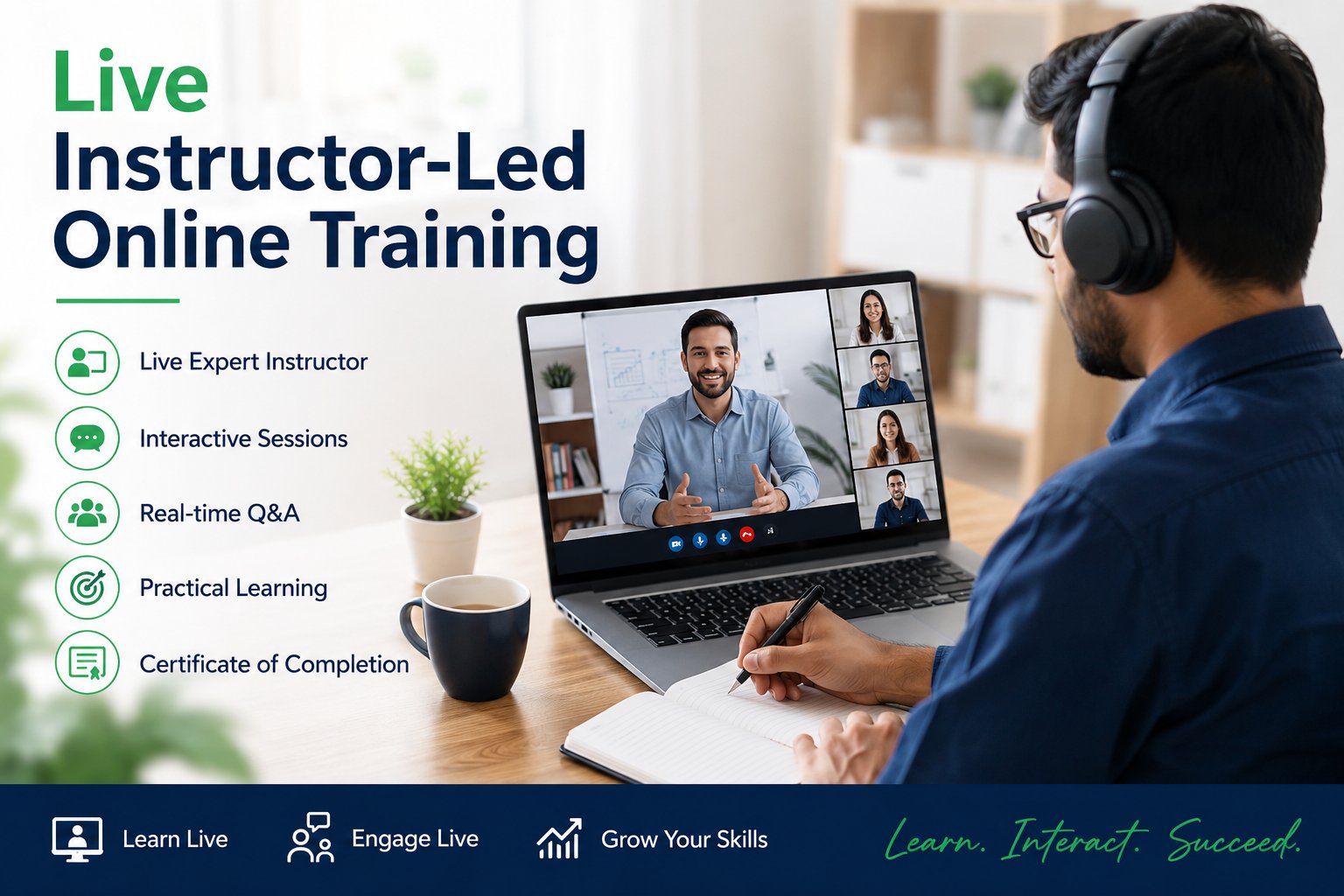
Live Instructor-Led Online Training
GreenByte Technologies

Live Instructor-Led Online Training

  • Live Expert-Led Sessions – Learn directly from experienced industry professionals through interactive, real-time training sessions.
  • Practical Hands-On Learning – Develop practical skills through real-world scenarios, projects, implementation examples, demonstrations, and business use cases.
  • Interactive Q&A Support – Ask questions, clarify concepts, and participate in real-time discussions with experienced trainers.
  • Flexible Online Learning – Attend live training sessions from anywhere using a computer, laptop, tablet, or smartphone.
  • Real-Time Project Guidance – Get expert guidance on implementation approaches, best practices, troubleshooting, and real-world project challenges.
  • Regular Training – Join structured weekday morning or evening batches with consistent sessions, regular trainer interaction, and continuous learning support.
  • Weekend Batches – Attend convenient weekend sessions designed for working professionals and learners with limited weekday availability.
Enroll Now
Video Learning Resources
GreenByte Technologies

Video Learning Resources

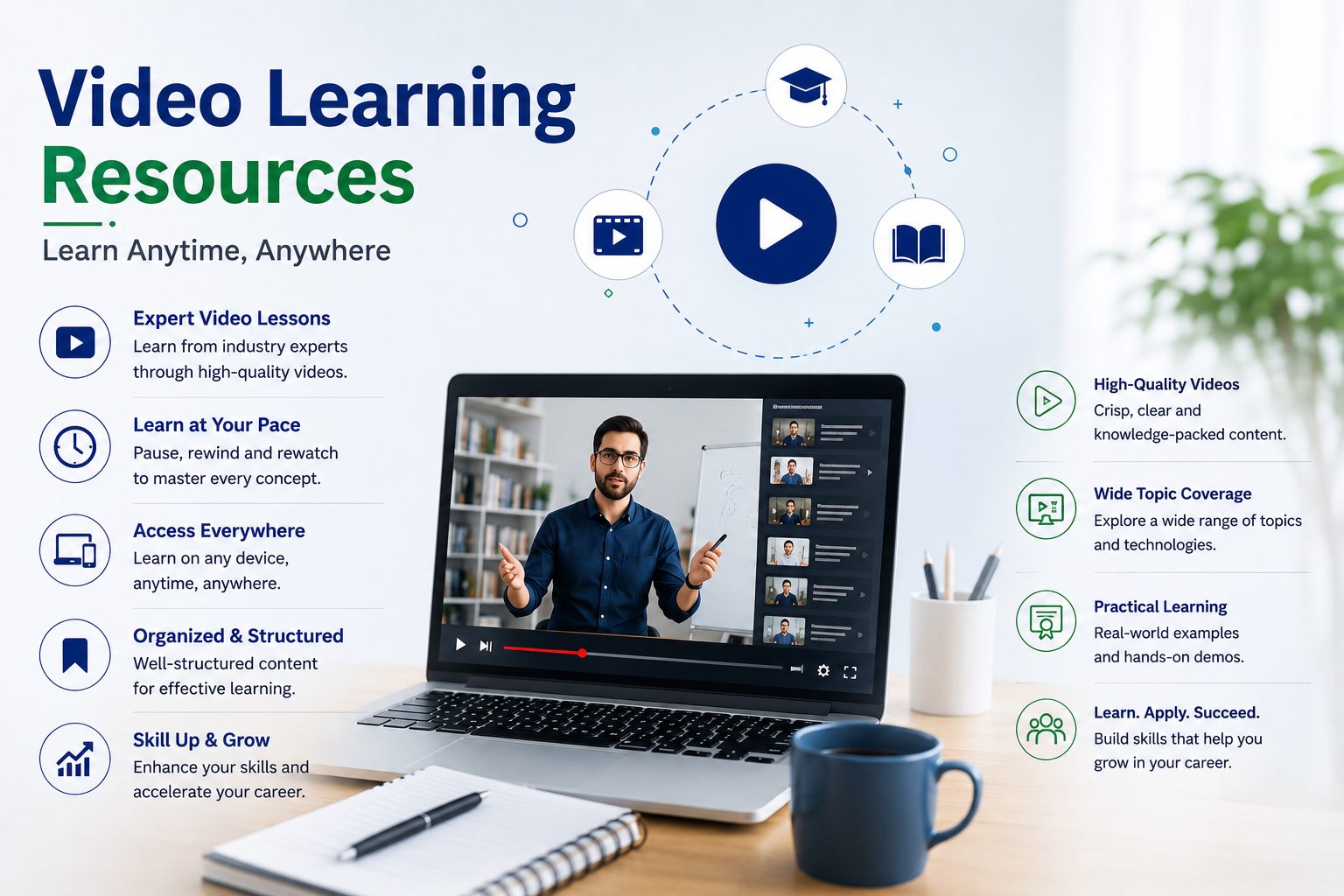
  • Expert-Created Video Content – Access professionally recorded lessons delivered by experienced industry trainers with practical, real-world expertise.
  • Learn Anytime, Anywhere – Access training videos anytime and from anywhere, giving you the flexibility to learn according to your schedule.
  • Topic-Based Learning – Quickly focus on specific concepts, modules, technologies, and skills that match your learning and career requirements.
  • Pause, Replay & Practice – Pause, rewind, replay, and revisit lessons whenever needed to strengthen your understanding and improve retention.
  • Practical & Career-Focused Learning – Develop job-ready skills through real-world examples, demonstrations, project scenarios, implementation concepts, and industry use cases.
  • Structured Learning Path – Follow an organized course curriculum covering fundamentals, advanced concepts, practical exercises, and project-based learning.
  • Learn at Your Own Pace – Study according to your schedule without the pressure of fixed class timings, making video learning suitable for students and working professionals.
Get Video Access
Enterprise Training Solutions
GreenByte Technologies

Enterprise Training Solutions

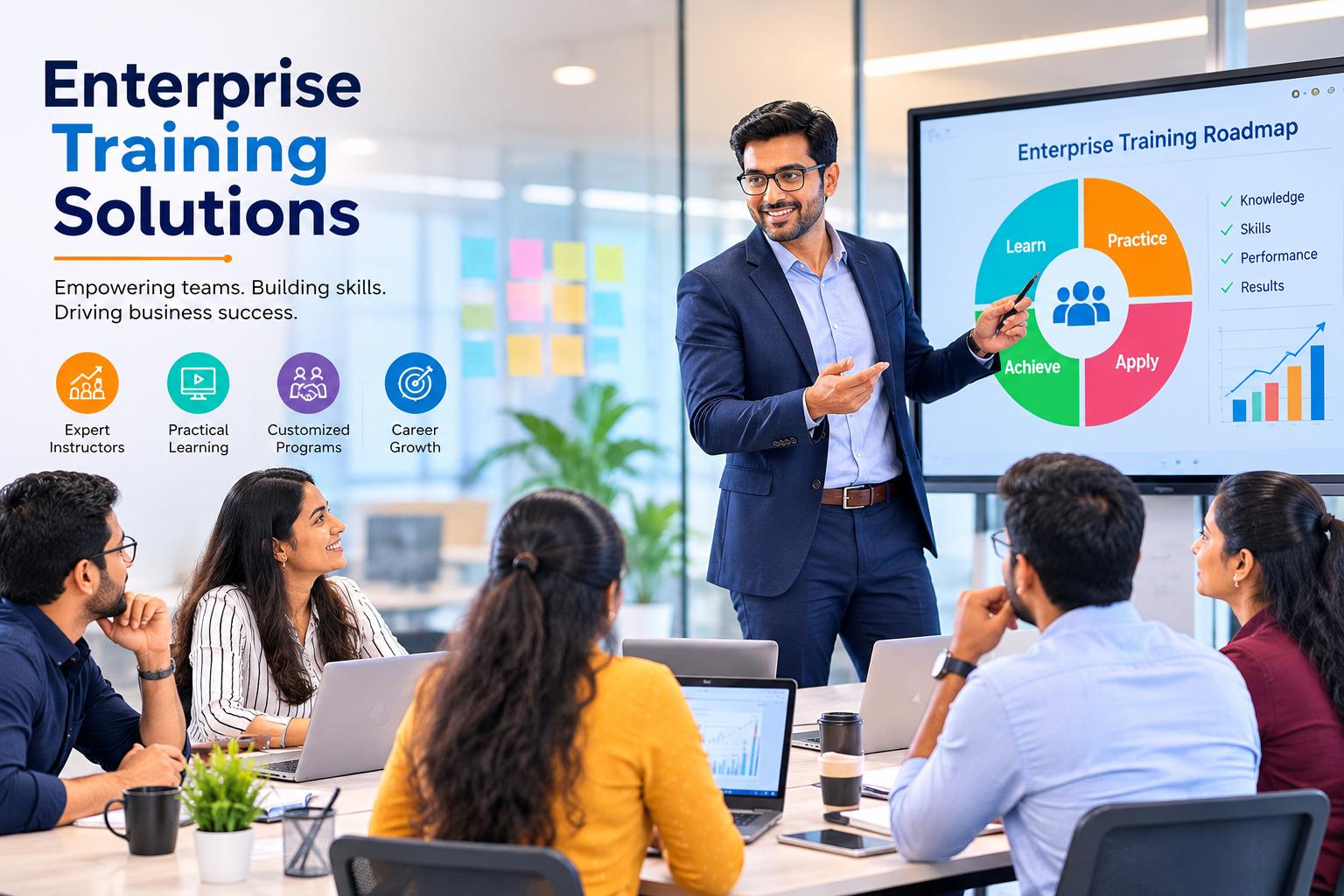
  • Customized Corporate Training – Training programs tailored to your organization’s business goals, technology environment, project requirements, and employee skill levels.
  • Industry-Expert Trainers – Learn from experienced professionals with real-world project expertise and practical industry knowledge.
  • Upskilling & Reskilling – Develop in-demand technical and functional skills to improve employee capabilities, productivity, and career growth.
  • Flexible Training Options – Choose from live online instructor-led, classroom, self-paced, weekend, fast-track, or customized corporate training.
  • Practical Business Learning – Build hands-on skills through real-world projects, business scenarios, implementation examples, case studies, and industry use cases.
  • Team & Project-Based Training – Train teams and departments with dedicated programs focused on project requirements, practical exercises, troubleshooting, and implementation scenarios.
  • Flexible Scheduling & Corporate Support – Schedule training around business hours with weekday, evening, and weekend options, supported by dedicated coordination, learning resources, and trainer guidance.

Empowering Organizations with Expert-Led, Practical & Customized Enterprise Training Solutions.

Request Corporate Training

BRIM CM FAQs

SAP Convergent Mediation (SAP CM)

BRIM CM Reviews

5.0/5
BRIM CM · based on 3 reviews

Rajkumar 

The BRIM Convergent Mediation training was well-structured and easy to understand. The concepts were explained clearly with practical, real-time examples.Overall, it was an excellent learning experience .

Sharath 

Excellent BRIM CM training with a good combination of theory and hands-on practice. The sessions provided a clear understanding of mediation processes and business scenarios. A valuable course for anyone looking to build expertise in SAP BRIM.

Diwakar 

The BRIM Convergent Mediation course provided strong practical knowledge of key concepts.The training was interactive, detailed, and focused on real-world requirements. It was a great experience for improving my SAP BRIM technical skills.

Add Your Review

Reviews are published after approval.

Your Rating*
Enroll Today

Enroll for BRIM CM

Share your details and our team will contact you with batch schedules, course fees, demo class information, and the learning option that suits you best.

  • Live online, video, one-on-one & corporate options
  • Weekday, weekend & fast-track batches
  • Practical, project-oriented training
Chat with us