BTP Cloud Integration Suite Course Details
BTP Integration Suite Online Training
Learn SAP BTP Integration Suite with Experienced Trainer Surya Chandra
In today’s rapidly evolving digital business environment, organizations depend on seamless integration between applications, systems, databases, cloud platforms, and business processes. SAP Business Technology Platform (BTP) provides a powerful foundation for building, integrating, and extending enterprise applications. Among its most important capabilities is SAP Integration Suite, a comprehensive integration platform designed to connect SAP and non-SAP applications across cloud and on-premise environments.
GreenByte Technologies offers BTP Integration Suite Online Training for professionals who want to develop practical skills in SAP integration and build a strong career in the SAP BTP ecosystem. The training is led by Surya Chandra, a trainer with 15+ years of industry experience, who focuses on helping learners understand integration concepts from both technical and real-world project perspectives.
Why Learn SAP BTP Integration Suite?
Modern enterprises rarely operate with a single application. A typical organization may use SAP S/4HANA, SAP SuccessFactors, SAP Ariba, SAP Concur, Salesforce, ServiceNow, banking systems, third-party applications, legacy systems, databases, and numerous cloud services. These systems need to exchange information reliably and securely.
SAP Integration Suite helps organizations address these requirements by providing capabilities for application integration, API management, event-driven integration, data integration, and connectivity. Professionals who understand these capabilities can contribute to digital transformation initiatives and enterprise integration projects.
Learning BTP Integration Suite can be valuable for SAP Integration Suite developers, SAP CPI developers, integration consultants, SAP technical consultants, middleware professionals, application developers, and experienced IT professionals looking to move into SAP cloud technologies.
About the BTP Integration Suite Online Training
The online training at GreenByte Technologies is designed to provide a structured learning path from fundamental concepts to advanced integration scenarios. Rather than concentrating only on theoretical definitions, the course can help learners understand how integration solutions are designed, developed, tested, monitored, and maintained in enterprise environments.
The training introduces the SAP BTP environment and gradually moves toward Integration Suite capabilities and practical implementation. Learners can gain exposure to integration flows, adapters, message transformation, routing, security, monitoring, APIs, connectivity, and other important integration concepts.
The online format is particularly useful for working professionals and students who want to learn without relocating or attending classroom sessions. Learners can participate from their preferred location and follow the training alongside their professional or academic commitments.
Trainer – Surya Chandra
A major highlight of the program is Surya Chandra, who brings more than 15 years of experience to the training. Experience matters significantly when learning enterprise integration because integration development involves more than simply creating an interface.
Real-world projects require developers to understand business requirements, identify source and target systems, select appropriate integration patterns, handle errors, protect sensitive information, monitor interfaces, and troubleshoot production issues.
With an experienced trainer, learners can gain insight into how integration technologies are applied in practical project environments. Surya Chandra's training approach can help bridge the gap between learning a technology and understanding how that technology is used in enterprise implementation projects.
The training can also help learners develop a problem-solving mindset. Instead of simply learning which component to use, learners can understand why a particular integration approach may be appropriate for a given business requirement.
SAP BTP Fundamentals
The course begins with the fundamentals of SAP Business Technology Platform. Understanding the BTP foundation is important because Integration Suite operates within the broader SAP cloud ecosystem.
Learners can become familiar with concepts such as BTP accounts, subaccounts, environments, services, entitlements, destinations, authentication, and connectivity. These concepts provide the foundation required to work effectively with SAP cloud services.
The training can also explain how SAP BTP supports application development, integration, data management, analytics, automation, and application extension. This broader understanding allows learners to see Integration Suite as part of an enterprise platform rather than as an isolated tool.
SAP Integration Suite and Cloud Integration
One of the central areas of the training is Cloud Integration, commonly associated with SAP Cloud Integration and historically known as SAP Cloud Platform Integration or CPI.
Learners can understand how integration flows, or iFlows, are created to exchange information between different systems. The course can cover important concepts such as sender and receiver systems, message processing, mappings, transformations, routing, filtering, content modification, and exception handling.
Practical exercises can help learners understand how an integration flow is designed from beginning to end. They can learn how messages enter an integration flow, how they are processed, transformed, routed, and eventually delivered to the target system.
Understanding these fundamentals is essential for anyone planning to work as an SAP Integration Suite developer or consultant.
Who Can Benefit from This Training?
BTP Integration Suite Online Training can be useful for a wide range of professionals, including:
- SAP Integration Suite/CPI developers
- SAP technical consultants
- SAP middleware professionals
- SAP S/4HANA technical professionals
- Application developers
- Integration consultants
- IT professionals moving toward SAP BTP
- Professionals preparing for SAP integration projects
- Fresh graduates interested in enterprise integration technologies
Prior experience with SAP or integration technologies can be helpful, but learners from different technical backgrounds may also use the course to build their knowledge systematically.
Career Opportunities
As organizations continue adopting cloud applications and hybrid IT environments, integration remains an essential component of enterprise architecture. Businesses need professionals who can connect applications, automate data exchange, expose APIs, and maintain reliable interfaces.
Knowledge of SAP BTP and Integration Suite can therefore support career paths such as SAP Integration Suite Developer, SAP CPI Developer, SAP BTP Consultant, Integration Consultant, Middleware Developer, and SAP Technical Consultant.
Career growth ultimately depends on practical skills, project experience, communication abilities, problem-solving capabilities, and continuous learning. Training provides the foundation, while hands-on practice and real project exposure help professionals build expertise.
Why Choose GreenByte Technologies?
GreenByte Technologies focuses on technology-oriented training designed to help learners develop practical knowledge. With an experienced trainer such as Surya Chandra, learners can gain exposure to both the technical concepts and practical considerations involved in enterprise integration.
The online learning model provides flexibility, while structured training helps learners progress through BTP and Integration Suite concepts in an organized manner.
For professionals seeking to strengthen their SAP cloud integration skills, the combination of SAP BTP Integration Suite concepts, practical learning, and guidance from a trainer with 15+ years of experience can provide a strong foundation for their next career step.
BTP Cloud Integration Suite Curriculum
SAP CPI Course Curriculum
Session 1: Introduction to SAP CPI and Integration Technologies
Begin with an introduction to SAP, ERP and middleware technologies, followed by an overview of the SAP CPI learning journey and the importance of cloud-based integration skills.
- Understanding SAP, ERP and middleware concepts
- Introduction to SAP Cloud Integration
- Overview of the complete SAP CPI training curriculum
- Key benefits of learning SAP CPI
- Career relevance of SAP integration technologies
Session 2: Cloud Computing Fundamentals
Learn the foundations of cloud computing and understand how cloud platforms differ from traditional on-premise application environments.
- Fundamentals of cloud computing
- Cloud service models
- Cloud deployment models
- On-premise versus cloud applications
- SAP PI/PO and SAP CPI comparison
Session 3: SAP BTP and SAP Integration Suite
Explore SAP Business Technology Platform and understand the role of SAP Integration Suite in connecting applications, systems and business processes.
- Introduction to SAP BTP
- Working with the SAP BTP Cockpit
- Global account concepts
- BTP subaccount structure
- Overview of SAP Integration Suite
- Major Integration Suite capabilities
- Integration Suite WebUI navigation
Session 4: Building Your First SAP CPI Integration Flow
Create and execute your first integration scenario while learning how integration packages and iFlows are organized and maintained.
- Understanding integration content packages
- Creating a custom content package
- Using the Integration Flow Editor
- Developing a custom iFlow
- Creating inbound integration flows
- Creating outbound integration flows
- Renaming integration flows
- Managing iFlow versions
Session 5: SAP CPI Trial Environment and Access Setup
Set up the SAP cloud environment required for practical CPI exercises and learn how subscriptions, users, roles and service instances are configured.
- Registering for SAP Cloud Platform access
- Creating a BTP subaccount
- Subscribing to SAP Integration Suite
- Provisioning Integration Suite services
- Assigning application access roles
- Creating service instances
Session 6: SAP CPI Monitoring and Operations
Understand how integration administrators and developers monitor message execution, integration content and operational activities.
- Monitoring workspace overview
- Message processing and message structure
- Managing integration content
- Configuring logging levels
- Maintaining security materials
- Managing storage
- Handling integration locks
Session 7: HTTP to Gmail Integration Using SAP CPI
Build a practical integration scenario connecting an HTTP endpoint with Gmail and learn how adapters, protocols, testing and monitoring work together in an end-to-end flow.
- Introduction to adapters
- Transport and message protocols
- HTTP Adapter configuration
- Postman setup and testing
- Mail Adapter configuration
- Gmail server connectivity
- End-to-end iFlow development
- Integration testing and monitoring
Session 8: SAP CPI Architecture and Multicast Processing
Study the architecture of SAP Cloud Integration and implement multicast scenarios for parallel and sequential message processing.
- SAP BTP CPI architecture
- Important CPI components
- Neo and Cloud Foundry environments
- SAP Integration Suite pricing overview
- Parallel multicast processing
- Sequential multicast processing
- Multicast iFlow configuration and testing
Session 9: XML, JSON and Content-Based Routing
Learn how SAP CPI processes structured data and routes messages according to content, XPath expressions, headers and properties.
- XML fundamentals
- JSON fundamentals
- Content-based routing
- XPath-based XML routing
- Routing using message properties
- Routing with message headers
Session 10: Content Modifier and Integration Flow Simulation
Work with message content and runtime information using the Content Modifier and practice testing integration logic through simulation.
- Content Modifier fundamentals
- Creating message headers
- Creating message properties
- Using different source types
- Removing headers and properties
- Updating the message body
- Simulating an iFlow
Session 11: Exception Handling and Local Integration Processes
Learn how to design integration flows that can handle exceptions and reuse processing logic through local integration processes.
- Exception handling concepts
- Exception subprocess configuration
- Local Integration Process setup
- Using Process Call
Session 12: Buffer Session
This session provides additional time to complete or reinforce topics that require more practical explanation during the training program.
Session 13: REST API Integration with the HTTP Adapter
Learn how REST-based services can be integrated through SAP CPI using HTTP communication, authentication mechanisms and different HTTP operations.
- Introduction to Web Services
- HTTP operations
- HTTP status codes
- HTTP Sender Adapter configuration
- HTTP Receiver Adapter configuration
- CSRF authentication
- OAuth authentication
- End-to-end REST integration scenarios
Session 14: SOAP API Integration with the SOAP Adapter
Explore SOAP services, WSDL documents and SOAP actions while building practical sender and receiver integration scenarios.
- SOAP API fundamentals
- Understanding WSDL
- SOAPUI software setup
- Working with WSDL actions
- SOAP Sender Adapter
- SOAP Receiver Adapter
- SOAP action configuration
- End-to-end SOAP iFlow testing
Session 15: OData API Integration
Understand OData services and learn how SAP CPI can exchange data with OData-based applications using different service operations.
- OData API introduction
- OData V2 and V4
- EDMX concepts
- OData service operations
- OData Adapter configuration
- End-to-end OData integration
Session 16: Advanced XML Processing
Develop deeper knowledge of XML processing components used to validate, filter and modify messages within SAP Cloud Integration.
- XML Validator
- XML Filter
- XML Modifier
Session 17: XML Splitter Techniques
Learn different message splitting approaches for processing XML documents efficiently in SAP CPI.
- General Splitter with XML
- Iterating Splitter with XML
- Tar Splitter
- Zip Splitter
- IDoc Splitter
Session 18: Data Conversion and CSV Processing
Practice transforming information between common enterprise data formats and processing CSV messages inside integration flows.
- XML to JSON conversion
- JSON to XML conversion
- CSV to XML transformation
- XML to CSV transformation
- General Splitter with CSV
- Iterating Splitter with CSV
Session 19: SFTP-Based File Integration
Build file-based integrations using SFTP and understand the connectivity and configuration required for secure file exchange.
- SFTP fundamentals
- FileZilla setup
- SFTP server connectivity
- Known Host File configuration
- SFTP Adapter setup
- End-to-end file integration flow
Session 20: Advanced SAP CPI Integration Patterns
Explore reusable integration patterns for enriching messages, communicating synchronously with another system and preventing duplicate processing.
- Content Enricher
- Request Reply
- Send pattern
- Idempotent Process Call
Session 21: Advanced Processing Patterns
Continue with advanced integration patterns for looping, enriching, combining and aggregating messages.
- Looping Process Call
- Poll Enrich
- Join operation
- Gather operation
- Aggregator pattern
Session 22: Buffer Session
Additional classroom time is allocated for completing topics that require extended practical coverage.
Session 23: SAP CPI Data Store Operations
Learn how the Data Store can be used to persist and retrieve integration information during message processing.
- Data Store overview
- Accessing stored data
- Write operation
- Get operation
- Select operation
- Delete operation
- Data Store Sender Adapter
Session 24: Variables and Payload Persistence for Debugging
Learn techniques for retaining integration information and inspecting message payloads during troubleshooting and debugging activities.
- Using Write Variable
- Persisting message payloads
- Retrieving persisted payload information
- Logging payload data in MPL
- Using Groovy Script for payload logging
Session 25: SAP CPI Message Mapping
Understand how source and target structures are connected through Message Mapping and how mappings can be tested and analyzed.
- Message Mapping overview
- Supported data structures
- Mapping source fields to target fields
- Simulating Message Mapping
- Analyzing the Display Queue
Session 26: Message Mapping and Value Mapping Functions
Work with commonly used mapping functions to perform calculations, logical operations, formatting and value transformations.
- Arithmetic functions
- Boolean functions
- Constant values
- Date functions
- Text functions
Session 27: Message Mapping Node Functions
Study node-level mapping functions and understand how context handling affects message transformation.
- Node Functions
- Context Handling
- Applying node-level mapping logic
Session 28: User-Defined Functions and Number Ranges
Extend standard mapping capabilities by working with custom functions and number range processing.
- User-Defined Functions (UDF)
- Number Range functionality
- Applying custom mapping logic
Session 29: Groovy Scripting Fundamentals
Learn how Groovy can be used to introduce custom processing logic into SAP Cloud Integration scenarios.
- Introduction to Groovy Script
- Accessing the message body
- Reading message headers
- Working with exchange properties
- Writing Groovy-based processing logic
Session 30: Advanced Groovy Scripting
Apply Groovy scripting to work with XML, JSON, message headers and value mappings in practical integration scenarios.
- Creating custom headers in MPL
- Reading XML data through Groovy
- Processing JSON information with Groovy
- Accessing Value Mapping through Groovy
Session 31: SAP Cloud Connector
Understand how SAP Cloud Connector enables controlled connectivity between SAP BTP services and on-premise systems.
- Cloud Connector overview
- Cloud Connector installation and setup
- Connecting a BTP subaccount
- Configuring an on-premise SFTP server
- Creating a virtual host
- Connecting to an on-premise system
Session 32: Buffer Session
Reserved practical time is used to complete subjects that need additional explanation or hands-on practice.
Session 33: Calling Another Integration Flow
Learn how one integration flow can communicate with another flow within the same SAP CPI tenant.
- Process Direct Adapter
- Calling another integration flow
- Understanding correlation IDs
Session 34: Failed Message Retry and JMS Queues
Learn how JMS queues can support reliable message processing and retry handling when integration messages fail.
- JMS Queue concepts
- Sender JMS Queue configuration
- Receiver JMS Queue configuration
- Maximum retry count configuration
- Failed message retry processing
Session 35: Message-Level Security and PGP
Explore message-level protection using PGP encryption and decryption within SAP Cloud Integration.
- Message-Level Security options
- PGP encryption
- PGP decryption
- Uploading PGP public keys
- Uploading PGP private keys
Session 36: XSLT Mapping
Learn XML transformation with XSLT and apply stylesheet-based processing to integration messages.
- XSLT fundamentals
- Modifying message content using XSLT
- XML-to-XML transformation
- XML-to-HTML transformation
Session 37: Moving Integration Objects Across Environments
Understand how integration artifacts and configurations can be transported between development, quality assurance and production environments.
- File transportation
- CTMS transportation
- Externalizing parameters
- Using prepackaged content
- Dev-to-QA-to-Production movement
Session 38: IDoc Adapter and SAP System Connectivity
Work with IDoc-based integration and explore additional SAP system connectivity options used in enterprise integration landscapes.
- IDoc fundamentals
- IDoc Adapter configuration
- ALE configuration
- Testing an IDoc interface using Process Direct
- RFC connectivity
- XI connectivity
- SFTP and AL11 connectivity
- SOAP connectivity
Session 39: SAP SuccessFactors Integration
Explore integration scenarios involving SAP SuccessFactors and learn how employee data can be exchanged through its APIs.
- Introduction to SuccessFactors integration
- Compound Employee API
- Full Load processing
- Delta Load processing
- OAuth 2.0 authentication
- End-to-end SuccessFactors use cases
Session 40: SAP Open Connectors
Learn the role of Open Connectors in application integration and practice configuring connector instances within SAP CPI.
- Introduction to Open Connectors
- Accessing Open Connectors
- Creating an Open Connectors instance
- Configuring the Open Connectors Adapter
- Using Open Connectors with SAP CPI
Session 41: Event Mesh and Event-Driven Integration
Understand event-driven architecture and implement real-time messaging scenarios using SAP Event Mesh.
- Event Mesh fundamentals
- Event-Driven Architecture
- Obtaining Event Mesh access
- AMQP Adapter configuration
- Event Mesh queue setup
- Real-time integration scenario
Session 42: SAP API Management Fundamentals
Learn how APIs can be exposed, secured and managed through SAP API Management.
- API Management overview
- Accessing API Management
- Creating an API Provider
- Building an API Proxy
- Applying API Policies
Session 43: Advanced API Management
Continue with API Management by learning API debugging, product creation, application registration and rate-plan configuration.
- Debugging API Proxies
- Creating API Products
- Creating applications for API Products
- Configuring Rate Plans
Session 44: Buffer Session
Additional time is provided for practical exercises and completion of subjects that require extended classroom coverage.
Session 45: SAP PI/PO Migration Assessment
Learn the migration assessment process for evaluating existing integration landscapes and preparing migration activities.
- Migration Assessment overview
- Accessing Migration Assessment
- Connecting to SAP PI/PO
- Executing a migration assessment
- PI/PO migration activities
- Step-by-step migration configuration
- Working with SAP documentation
Session 46: SAP Integration Advisor
Explore Integration Advisor and its capabilities for designing integration-related structures and agreements.
- Integration Advisor overview
- Understanding Type Systems
- MIG creation
- MAG creation
- TPM overview
- TPM configuration
Session 47: SAP CPI Project Types and Responsibilities
Understand how SAP CPI projects are organized and what responsibilities different project roles typically handle throughout the implementation lifecycle.
- Development projects
- Migration projects
- Support projects
- Enhancement projects
- Rollout projects
- Roles and responsibilities
Session 48: SAP CPI Real-Time Project Lifecycle
Follow the major stages of a real-time integration project, from requirements and estimation through testing, production deployment and post-go-live support.
- How a real-time integration project begins
- Functional Specification Document (FSD)
- Technical Specification Document (TSD)
- Project estimation
- Integration development
- FUT, SIT and UAT activities
- Cutover planning
- Production deployment
- Hypercare support
Session 49: Salesforce and ServiceNow Integration Projects
Review practical project scenarios involving popular enterprise applications and discuss how integration requirements can be handled using SAP CPI.
- Salesforce integration project discussion
- ServiceNow integration project discussion
- Real-time project scenario analysis
- Integration design considerations
Session 50: SAP CPI Resume Preparation
Complete the training with guidance on presenting SAP CPI skills, project exposure and technical knowledge effectively on a professional resume.
- SAP CPI resume preparation guidelines
- Presenting technical skills
- Highlighting integration project experience
- Structuring SAP CPI project responsibilities
- Improving resume content for SAP integration roles
BTP Cloud Integration Suite Learning Options
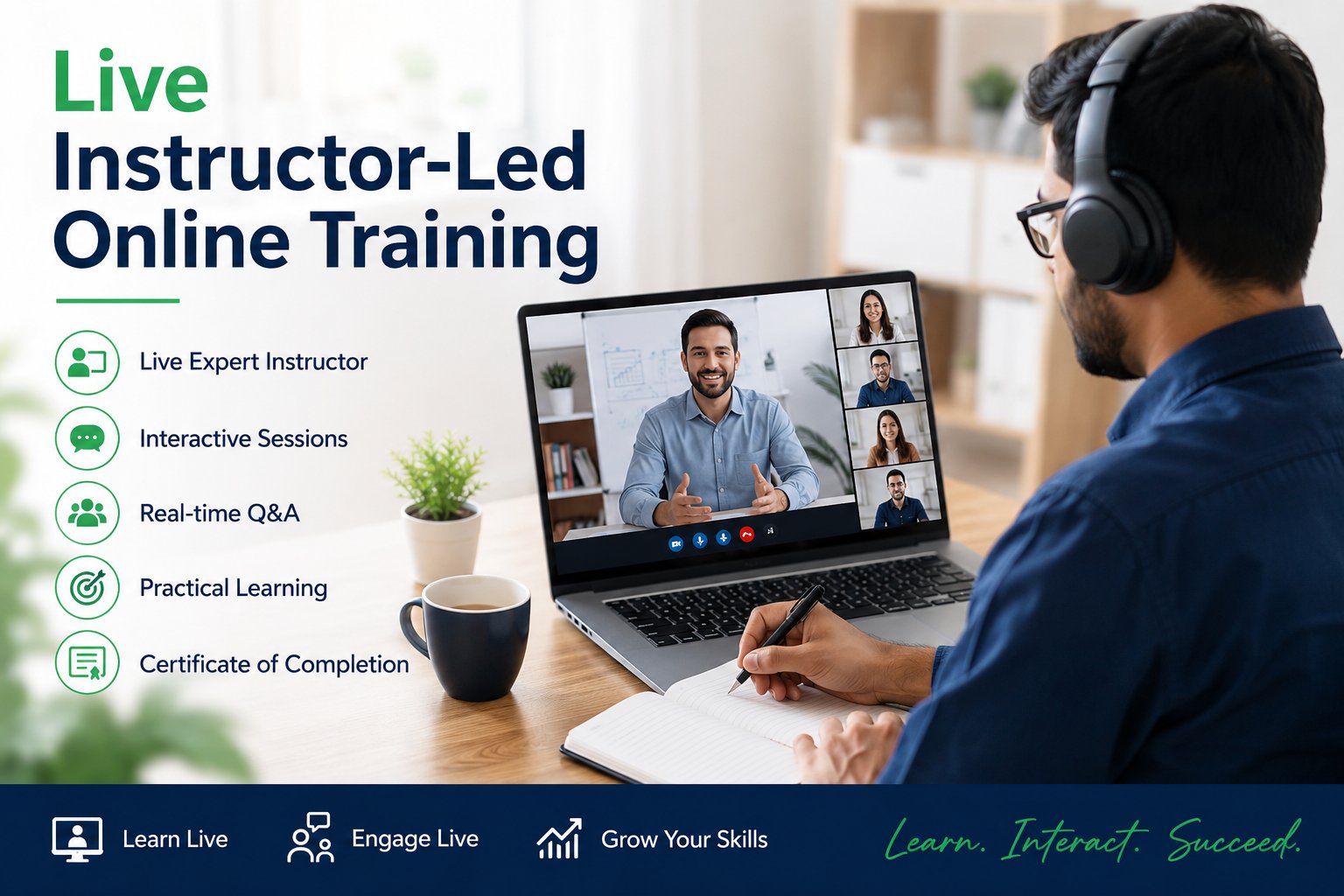
Live Instructor-Led Online Training
- Live Expert-Led Sessions – Learn directly from experienced industry professionals through interactive, real-time training sessions.
- Practical Hands-On Learning – Gain practical experience through real-world scenarios, projects, implementation examples, and business use cases.
- Interactive Q&A Support – Get your questions answered in real time and participate in interactive discussions with the trainer.
- Flexible Online Learning – Attend live classes from anywhere using a computer, laptop, tablet, or smartphone.
- Real-Time Project Guidance – Receive expert guidance on implementation approaches, best practices, troubleshooting, and real-time project challenges.
- Regular Training – Attend structured classes on a consistent schedule, with weekday morning and evening batches available. Get continuous learning support and regular interaction with the trainer.
- Weekend Batches – Convenient weekend training sessions designed for working professionals and learners who have limited availability during weekdays.
- Fast-Track Training – Accelerated training designed for learners who want to complete their course faster. Trainers dedicate additional time during weekdays and weekends to cover concepts, practical exercises, and real-time project scenarios in an intensive format.
- One-on-One Training – Personalized individual training with an expert trainer. The trainer focuses entirely on one participant, allowing you to ask personal, technical, and project-related questions and receive customized guidance based on your specific learning requirements.
Video Learning Resources
- Expert-Created Video Content – Learn from professionally recorded training sessions delivered by experienced industry trainers with practical knowledge.
- Learn Anytime, Anywhere – Access high-quality video learning resources anytime and from anywhere, providing complete flexibility to fit your learning schedule.
- Topic-Based Learning – Learn specific concepts, modules, technologies, and skills based on your individual learning requirements and career objectives.
- Pause, Replay & Practice – Pause, rewind, replay, and review lessons as many times as needed to strengthen your understanding and learn at your own pace.
- Practical & Career-Focused Learning – Build job-ready skills through real-world examples, practical demonstrations, implementation scenarios, projects, and industry-relevant use cases.
- Structured Course Learning – Follow a well-organized learning path covering fundamental concepts, advanced topics, practical exercises, and project-based learning.
- Continuous Learning Support – Use video resources to revise topics, prepare for interviews, strengthen technical skills, and revisit important concepts whenever required.
- Learn at Your Own Pace – Study according to your schedule without the pressure of fixed class timings, making video learning suitable for students and working professionals.
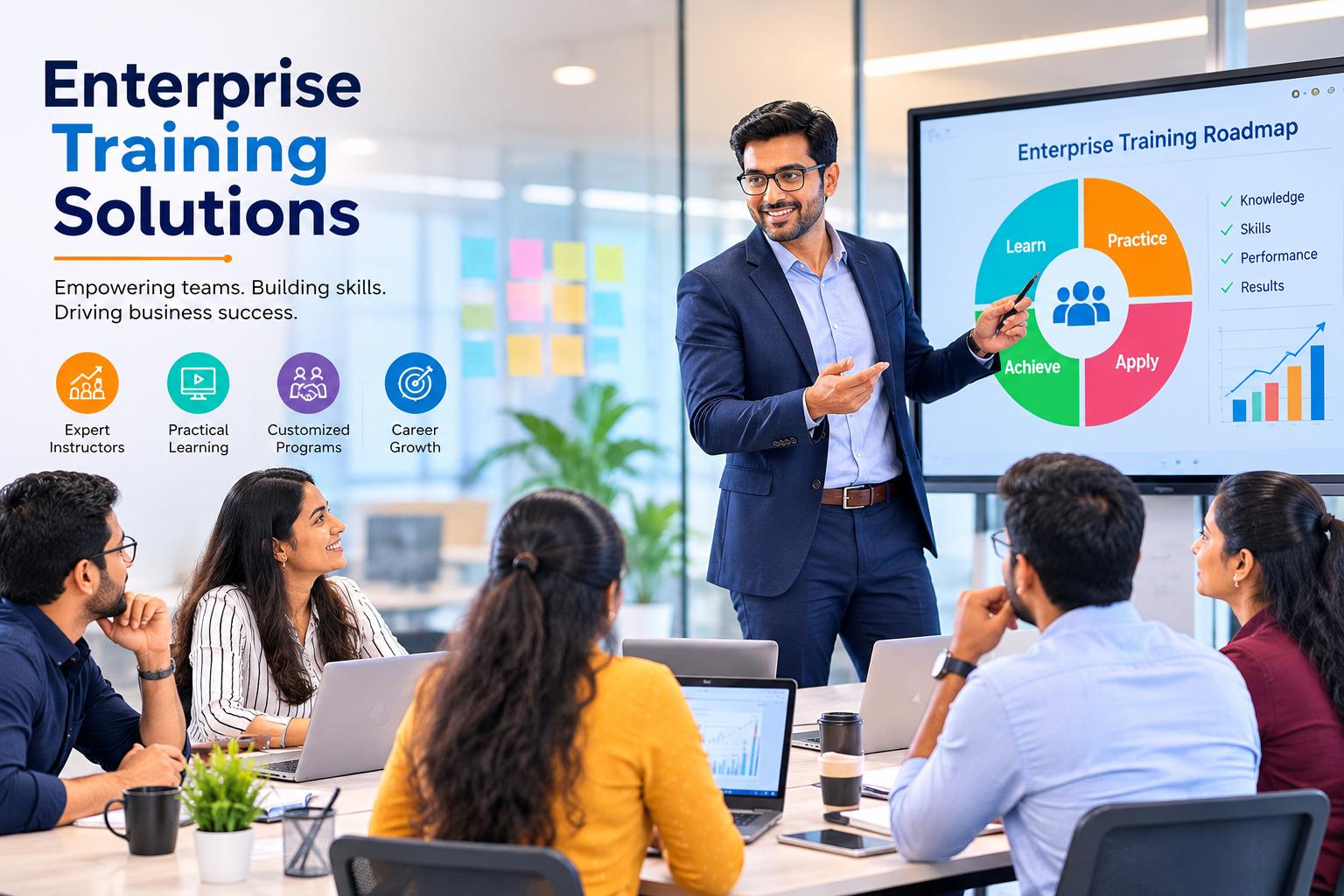
Enterprise Training Solutions
- Customized Corporate Training – Tailored training programs designed around your organization’s business objectives, technology environment, project requirements, and employee skill levels.
- Industry-Expert Trainers – Learn from experienced professionals with extensive real-world project experience and practical industry knowledge.
- Upskilling & Reskilling – Develop in-demand technical and functional skills to improve employee capabilities, increase productivity, and support digital transformation initiatives.
- Flexible Training Delivery – Choose from live online instructor-led training, classroom training, self-paced video learning, weekend programs, fast-track training, or customized corporate sessions based on your workforce requirements.
- Practical & Business-Focused Learning – Empower employees with hands-on knowledge through real-world projects, business scenarios, implementation examples, case studies, and industry-relevant use cases.
- Team & Group Training – Conduct dedicated training programs for teams, departments, or larger employee groups with content aligned to specific organizational requirements.
- Project-Based Training – Strengthen practical skills through project scenarios, implementation exercises, troubleshooting, and guided assignments that reflect real business environments.
- Flexible Scheduling – Schedule training around your organization’s working hours with weekday, evening, and weekend options to minimize disruption to business operations.
- Dedicated Corporate Support – Get ongoing coordination and training support throughout the program, including trainer interaction, learning resources, practical guidance, and progress support.
- Career & Business Skill Development – Build a stronger workforce by combining technical expertise, functional knowledge, practical experience, and industry best practices.
BTP Cloud Integration Suite Faq’s
SAP BTP Integration Suite Online Training – FAQs
- SAP Integration Consultant
- SAP Cloud Integration Developer
- SAP CPI / Integration Developer
- SAP BTP Consultant
- SAP API Management Consultant
- SAP Integration Architect
- SAP Technical Consultant
- SAP Middleware Consultant
- SAP Production Support Consultant
BTP Cloud Integration Suite Reviews
BTP Cloud Integration Suite rated (5.0 / 5) based on 4 reviews.Anil Chandra
Excellent SAP BTP Cloud Integration Suite training. The concepts were explained clearly with practical examples, integration flows, adapters, mappings, APIs, and real-time scenarios. Very useful for career development.
Rajiv Kumar
The SAP BTP Cloud Integration Suite training by Surya Chandra was excellent. His practical explanations, real-time examples, and clear guidance helped me understand integration flows and concepts confidently.
Karthik Rao
I highly recommend Surya Chandra’s SAP BTP CPI Online training. The sessions are well structured, practical, and easy to understand.
Prakash Menon
Surya Chandra is an excellent trainer for SAP BTP Cloud Integration Suite. He explains complex integration concepts in a simple and practical way.